
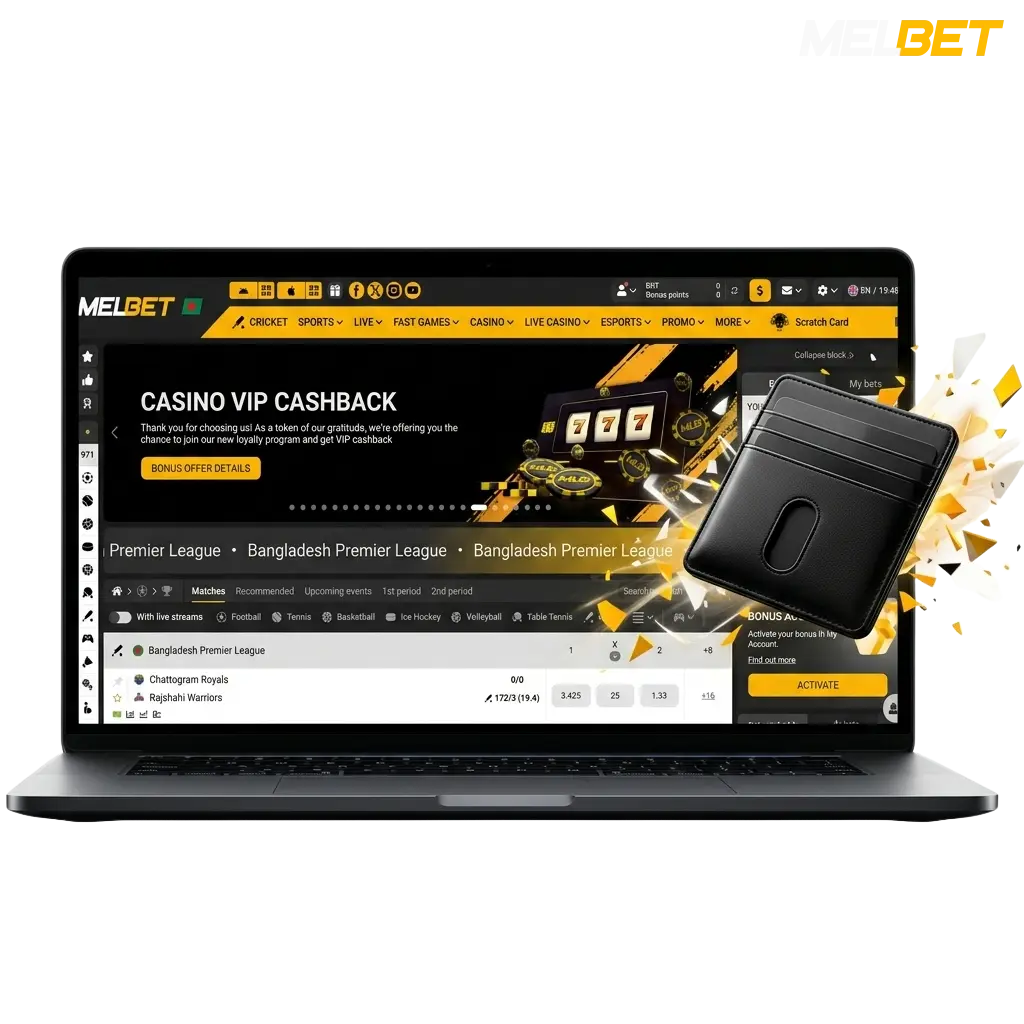
How to Deposit on Melbet in Bangladesh
Funding your account takes only a few minutes. You need a verified Melbet account and a supported payment method to complete your first deposit.
- Click the Button Below: Use the deposit button on this page to access your account. If you are new, complete a quick registration first.
- Go to the Cashier Section: Once logged in, navigate to your account balance area and select “Deposit.” The cashier section lists all available payment methods for Bangladesh.
- Choose Your Payment Method: Pick from bKash, Nagad, Rocket, UPI, Visa, or crypto. Select the option that works best for you.
- Enter the Deposit Amount: Type in the amount you want to deposit in BDT. Make sure it meets the minimum deposit requirement for your chosen method.
- Confirm the Transaction: Follow the on-screen instructions to authorise the payment. Funds appear in your account balance instantly or within a few minutes.
Melbet First Deposit Bonus for New Players
New players in Bangladesh can claim a 450% welcome bonus on their first deposit, up to 315,000 BDT, plus 250 Free Spins. This is one of the most competitive welcome offers available on the platform.
The bonus is designed primarily for the casino section and applies automatically when you make your first qualifying deposit. Here is what you need to know:
- Bonus Percentage: 450% of your first deposit amount.
- Maximum Bonus: Up to 315,000 BDT in bonus funds.
- Free Spins: 250 FS credited alongside the deposit bonus.
- Minimum Deposit: A minimum deposit of 200 BDT is required to activate the offer.
- How to Activate: Opt in to the welcome bonus during registration or from the promotions page before making your first deposit. The bonus activates automatically once the qualifying deposit is confirmed.
- Wagering Requirements: The bonus amount must be wagered a set number of times before withdrawal. Check the promotions page for the current wagering conditions applied to this offer.

Melbet Deposit Methods, Time, and Limits
Several trusted deposit methods are available to players in Bangladesh, with zero commission charged on any incoming transaction. The general deposit range starts from 200 BDT and can go up to 500,000 BDT, with most transactions credited instantly or within minutes.
| Deposit Method | Min Deposit (BDT) | Max Deposit (BDT) | Deposit Time | Fees |
|---|---|---|---|---|
| bKash | 200 | 50,000 | Instant | None |
| Nagad | 200 | 50,000 | Instant | None |
| Rocket | 200 | 50,000 | Instant | None |
| UPI | 500 | 100,000 | Instant | None |
| Visa | 500 | 200,000 | Up to 5 minutes | None |
| Mastercard | 500 | 200,000 | Up to 5 minutes | None |
| Bitcoin (BTC) | 1,000 | 500,000 | Up to 30 minutes | None |
| Ethereum (ETH) | 1,000 | 500,000 | Up to 30 minutes | None |
| Tether (USDT) | 1,000 | 500,000 | Up to 15 minutes | None |
| Bank Transfer | 1,000 | 500,000 | Up to 24 hours | None |
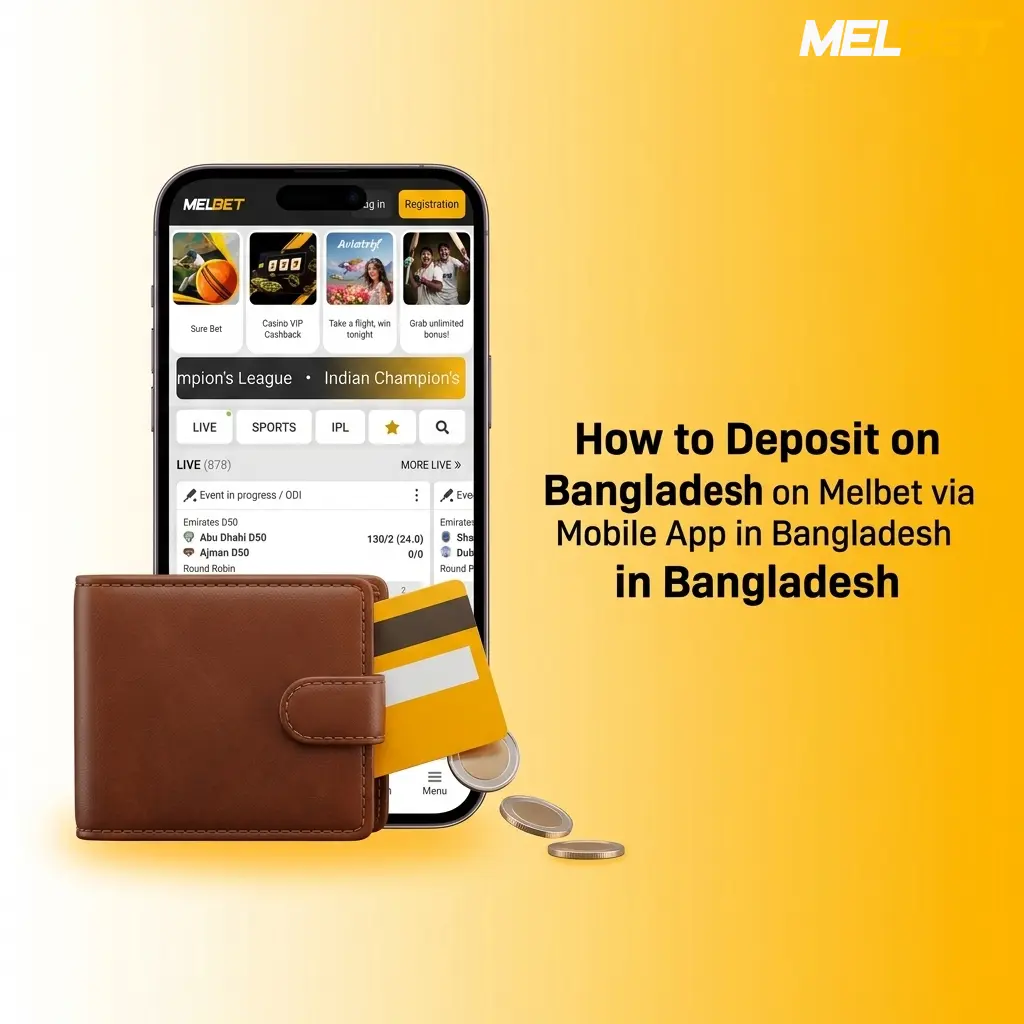
How to Deposit on Melbet via Mobile App in Bangladesh
Depositing through a smartphone is quick and convenient. You need the Melbet app installed on your device and a supported payment method such as bKash, Nagad, or Rocket ready to use.
- Open the App or Click the Button on This Page: Launch the Melbet app on your phone. If you have not installed it yet, download it directly from this page using the available link.
- Log In to Your Account: Enter your registered credentials to access your account. New users must complete a short registration before proceeding.
- Navigate to the Deposit Section: Tap on your account balance or the menu icon and select “Deposit” from the cashier options.
- Select a Payment Method and Enter the Amount: Choose your preferred mobile payment option such as bKash, Nagad, or Rocket. Enter the deposit amount in BDT.
- Authorise the Payment: Follow the prompt to confirm the transaction through your chosen app or bank. Funds are credited to your balance instantly in most cases.
How to Withdraw Money from Melbet
Collecting your winnings is a straightforward process. Your account must be verified and the funds in your balance must meet the minimum withdrawal amount before a request can be submitted.
- Log In via This Page: Click the login button on this page to access your account. All withdrawal actions are completed within the platform.
- Go to the Cashier and Select Withdrawal: Navigate to the cashier section of your account. Tap or click “Withdraw” to open the payout options.
- Choose Your Withdrawal Method: Select the payment method you want to receive funds through, such as bKash, Nagad, Rocket, UPI, Visa, or crypto.
- Enter the Withdrawal Amount: Input the amount you wish to withdraw in BDT. Confirm it falls within the minimum and maximum limits for your selected method.
- Submit the Request: Review your withdrawal details and confirm the request. Processing times vary by method, and funds are sent directly to your linked account.
Melbet Withdrawal Methods, Time, and Limits
Players in Bangladesh have access to multiple trusted withdrawal options, and no fees are charged on any payout. The minimum withdrawal amount starts at 500 BDT, with a maximum limit of up to 500,000 BDT depending on the method, and most requests are processed within a few hours.
| Payment Method | Min Withdrawal (BDT) | Max Withdrawal (BDT) | Withdrawal Time | Fees |
|---|---|---|---|---|
| bKash | 500 | 50,000 | Up to 24 hours | None |
| Nagad | 500 | 50,000 | Up to 24 hours | None |
| Rocket | 500 | 50,000 | Up to 24 hours | None |
| UPI | 1,000 | 100,000 | Up to 24 hours | None |
| Visa | 1,000 | 200,000 | Up to 5 business days | None |
| Mastercard | 1,000 | 200,000 | Up to 5 business days | None |
| Bitcoin (BTC) | 2,000 | 500,000 | Up to 1 hour | None |
| Ethereum (ETH) | 2,000 | 500,000 | Up to 1 hour | None |
| Tether (USDT) | 2,000 | 500,000 | Up to 30 minutes | None |
| Bank Transfer | 2,000 | 500,000 | Up to 3 business days | None |
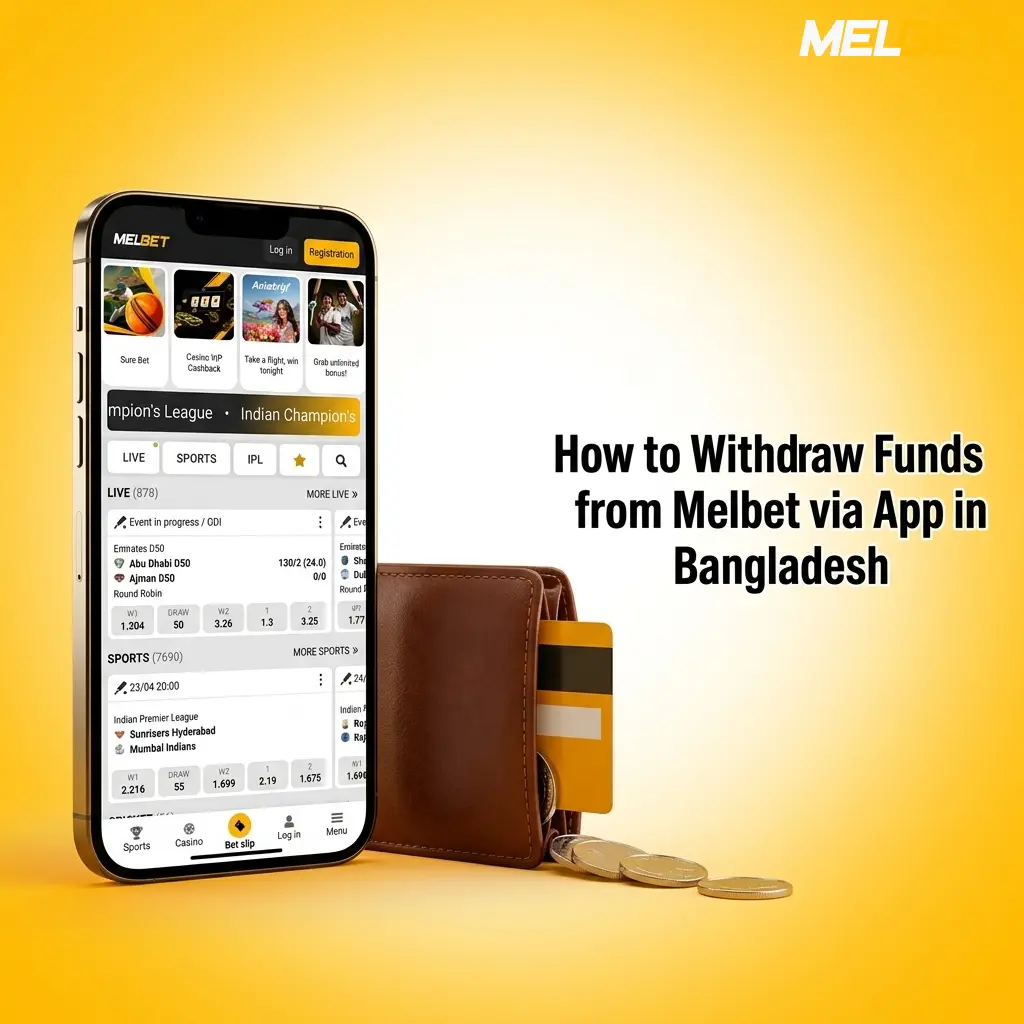
How to Withdraw Funds from Melbet via App in Bangladesh
Withdrawing through the mobile app is a fast and direct way to access your funds. You need the app installed, a verified account, and sufficient balance to initiate a payout from your device.
- Open the Melbet App: Launch the app on your smartphone. If you are accessing via browser, tap the login button on this page to proceed.
- Access the Cashier Section: Tap on your balance or the profile menu and select “Withdraw” from the cashier options.
- Select Your Payout Method: Choose the withdrawal method you prefer, such as bKash, Nagad, Rocket, or crypto. Ensure the method matches the one used for your deposit where required.
- Enter the Withdrawal Amount: Input the amount you want to withdraw in BDT. Check that it meets the minimum withdrawal limit for your chosen method.
- Confirm the Request: Review all details and tap confirm. You will receive a notification once the withdrawal request is approved and funds are on the way.
Melbet Payment Rules and Conditions
All financial transactions on the platform are governed by clear rules designed to protect your account and ensure reliable processing. The following key conditions apply to all players in Bangladesh:
- Identity Verification: Your account must be fully verified before any withdrawal request is processed. This includes submitting a valid government-issued ID and confirming your registered mobile number or email address.
- Matched Deposit and Withdrawal Methods: Withdrawals must generally be made using the same payment method used for the most recent deposit. This policy helps prevent fraud and ensures funds return to the correct account.
- Bonus Wagering Compliance: Any active bonus funds must meet the applicable wagering requirements before a withdrawal can be requested. Attempting to withdraw before completing the wagering conditions will result in the bonus being forfeited.
- Single Account Policy: Each player is permitted one account only. Duplicate accounts are not allowed and may result in account suspension and cancellation of all pending transactions.
- Currency and Transfer Accuracy: All deposits and withdrawals are processed in BDT or converted at the prevailing exchange rate for methods that operate in other currencies. You are responsible for entering the correct account details, as incorrect transfers cannot be reversed once processed.
Possible Problems with Payments on Melbet
Most transactions are completed without issues, but the following common problems have straightforward solutions if they arise:
- Deposit Not Showing in Account Balance: This can happen due to network delays or a temporary processing hold. Wait up to 30 minutes and refresh your account balance. If funds still do not appear, contact the support team with your transaction reference number.
- Withdrawal Request Pending for Too Long: Requests can be delayed if account verification is incomplete or if the request was submitted during a high-volume period. Check your verification status under account settings and ensure all required documents have been submitted.
- Payment Method Declined: Your bank or mobile wallet may have flagged the transaction as unusual. Contact your payment provider to confirm there are no restrictions on transactions to gaming platforms, or switch to an alternative deposit method.
- Incorrect Account Details Submitted: If you entered the wrong mobile number or bank details for a withdrawal, contact the support team immediately before the transaction is processed. Once funds are transferred, reversals may not be possible.
- Bonus Preventing Withdrawal: An active bonus with incomplete wagering conditions will block the withdrawal option for the bonus portion of your balance. Review the bonus terms on the promotions page and complete the required wagering before requesting a payout.
- Account Verification Rejected: If your submitted documents were not accepted, you will receive a notification with the reason. Resubmit a clear, high-quality copy of a valid government-issued ID or the requested document type.
Customer Support Contacts in Terms of Payments
Dedicated support is available around the clock to assist with any payment-related question or issue you encounter on the platform. You can reach the team through the following channels:
- Live Chat: Available 24 hours a day, 7 days a week. Access the live chat button directly from any page on the platform for the fastest response.
- Email Support: Send a detailed message to the support email address listed in the Help section of your account. Include your account ID and transaction details for quicker resolution.
- Telegram: Melbet maintains an active Telegram support channel for Bangladesh users. Search for the verified Melbet support handle to connect directly.
- Help Centre: The FAQ and Help Centre section on the platform covers the most common payment questions. Browse the topics related to deposits, withdrawals, and verification before contacting support.
- Phone Support: A dedicated support line may be available for Bangladesh users. Check the Contacts page of the platform for the current phone number and available hours.

FAQ
Can you use bKash for both deposits and withdrawals on Melbet?
bKash is supported for both deposits and withdrawals. You can link your bKash number through the cashier section and use it for all transactions in BDT.
Is there a fee for currency conversion on international payment methods?
The platform does not charge its own conversion fee, but your card issuer or wallet provider may apply a foreign transaction rate. Check with your bank or card provider before using an international method.
How long does account verification take before a withdrawal is approved?
Verification is typically completed within 24 to 48 hours once all required documents are submitted. Submitting clear, valid documents speeds up the process considerably.
Can you cancel a withdrawal request after it has been submitted?
Withdrawal requests can sometimes be cancelled if they have not yet been processed. Log in to the cashier section and check the status of your request. If it is still pending, a cancellation option may be available.
Is there a maximum number of withdrawals allowed per day?
There is no fixed cap on the number of withdrawal requests per day, but each request is subject to the per-transaction limits for your chosen payment method. Large amounts may need to be split across multiple requests based on the method’s maximum limit.